Glacier Video Center

Video Center
Click a thumbnail to play the video on YouTube.

Setup & Connection
↗
How to Unbox and Install the AtomStack Glacier
↗
↗
How to Connect the Glacier to a Computer
↗
↗
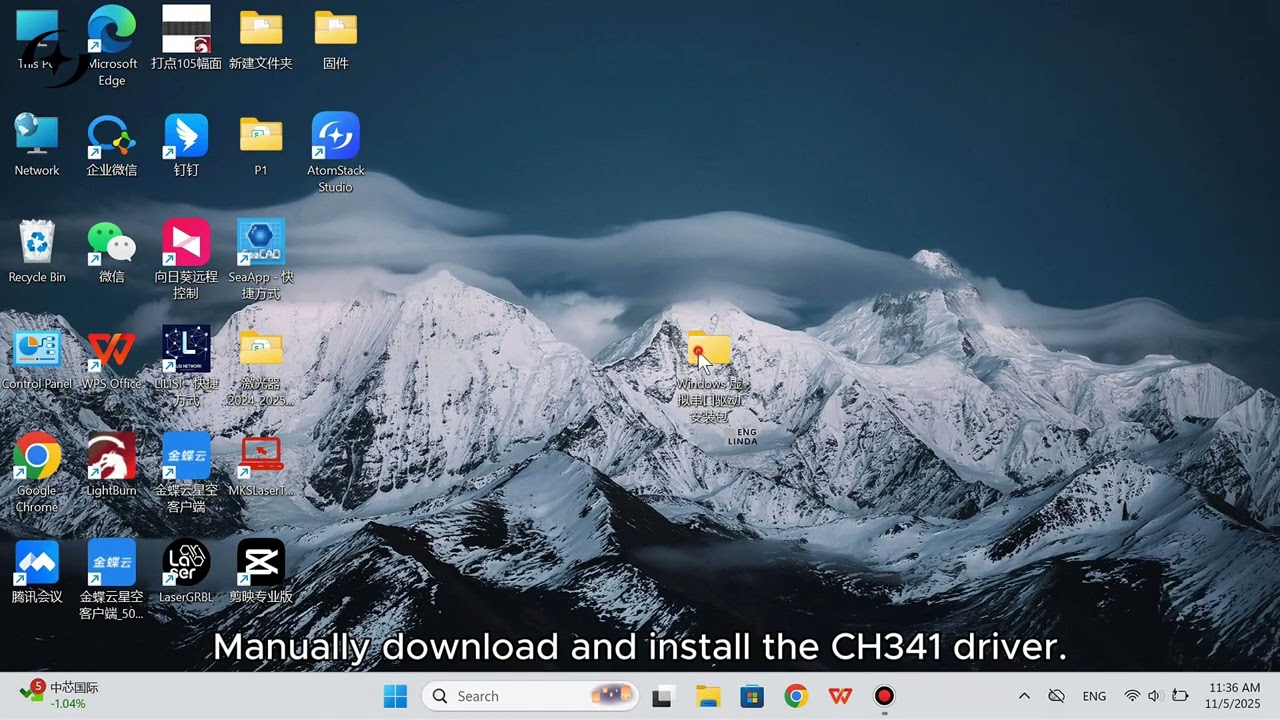
How to Install the CH340 Serial Port Driver
↗
↗
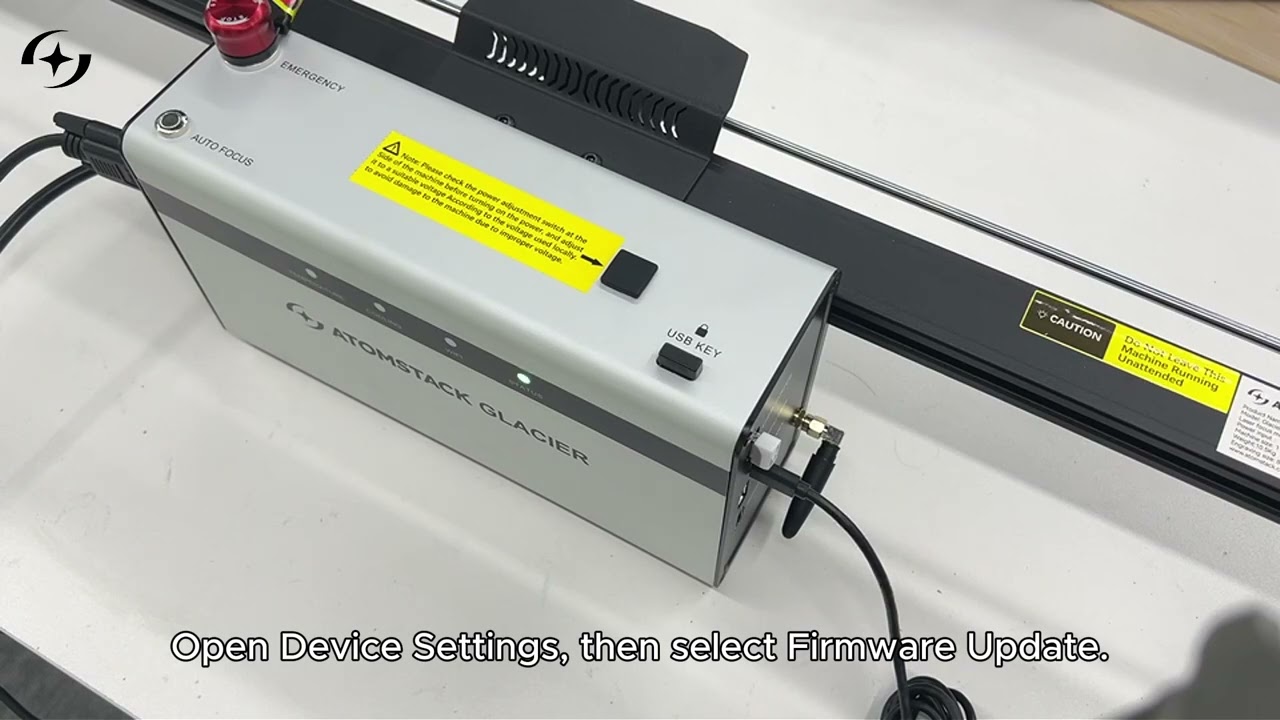
How to Upgrade the Glacier Firmware
↗

Operation & Focusing
↗
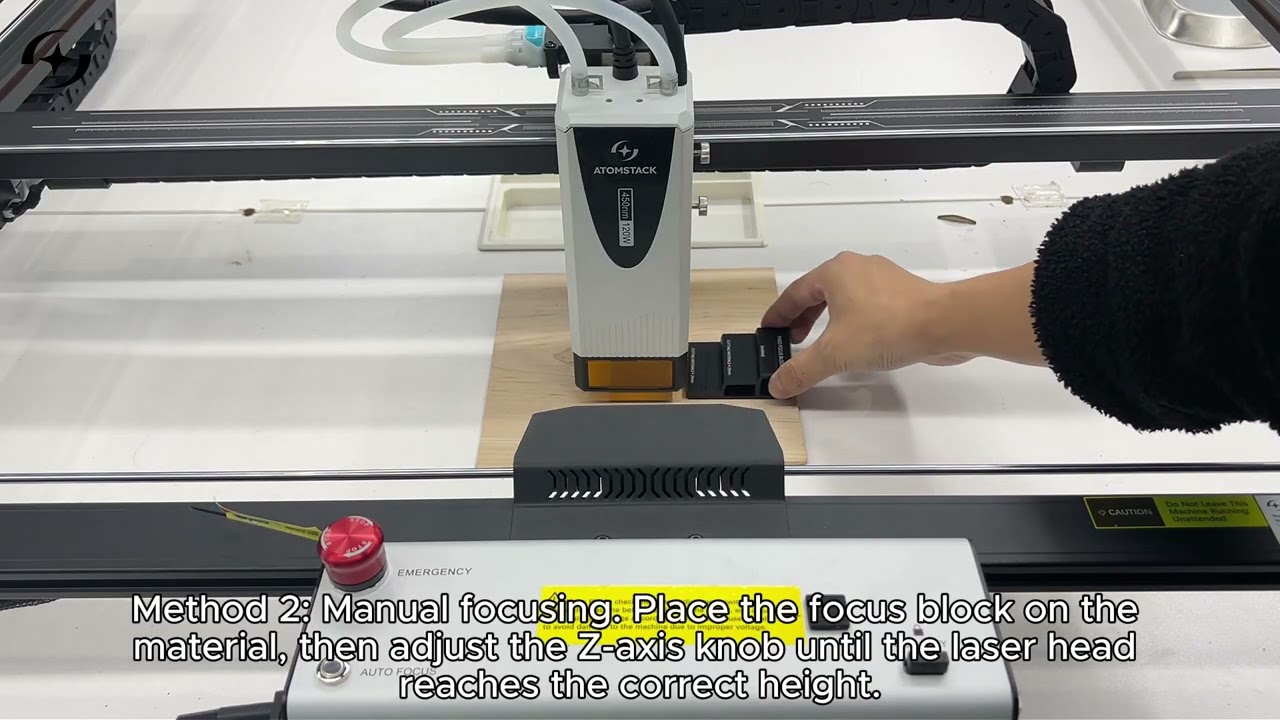
How to Use Auto Focus and Manual Focus
↗
↗
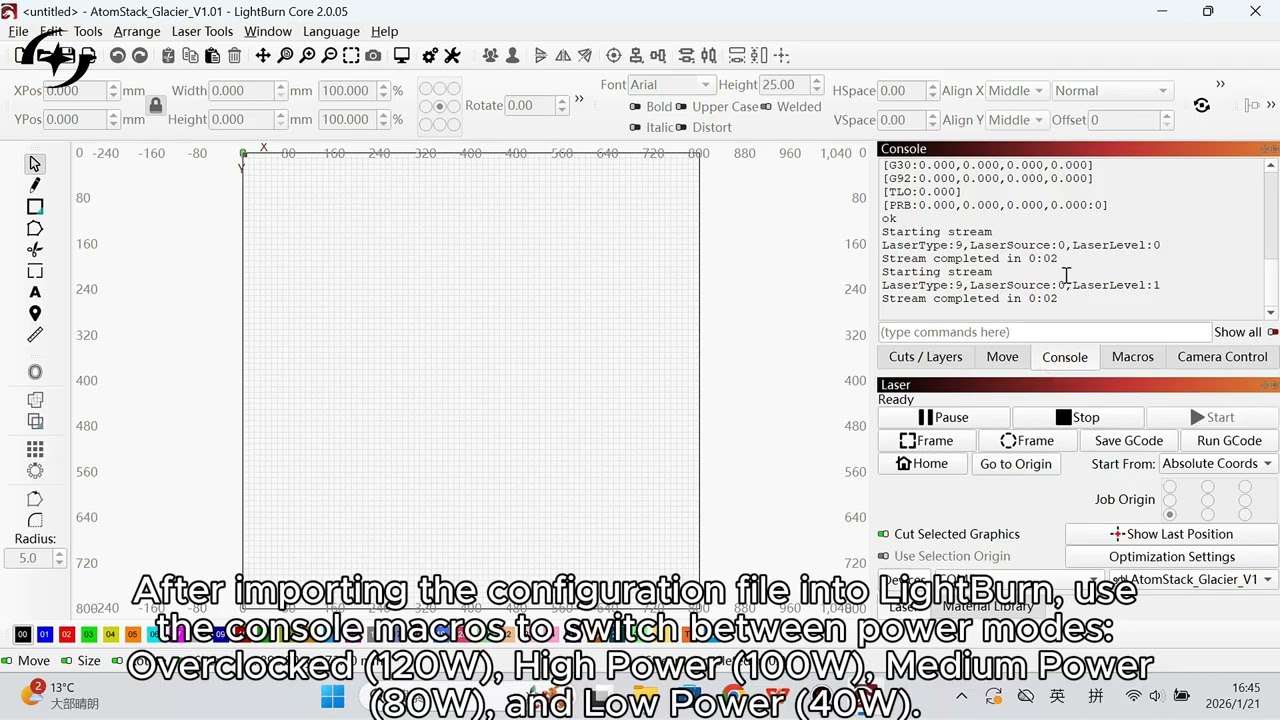
How to Switch the Glacier Laser Power Level
↗
↗
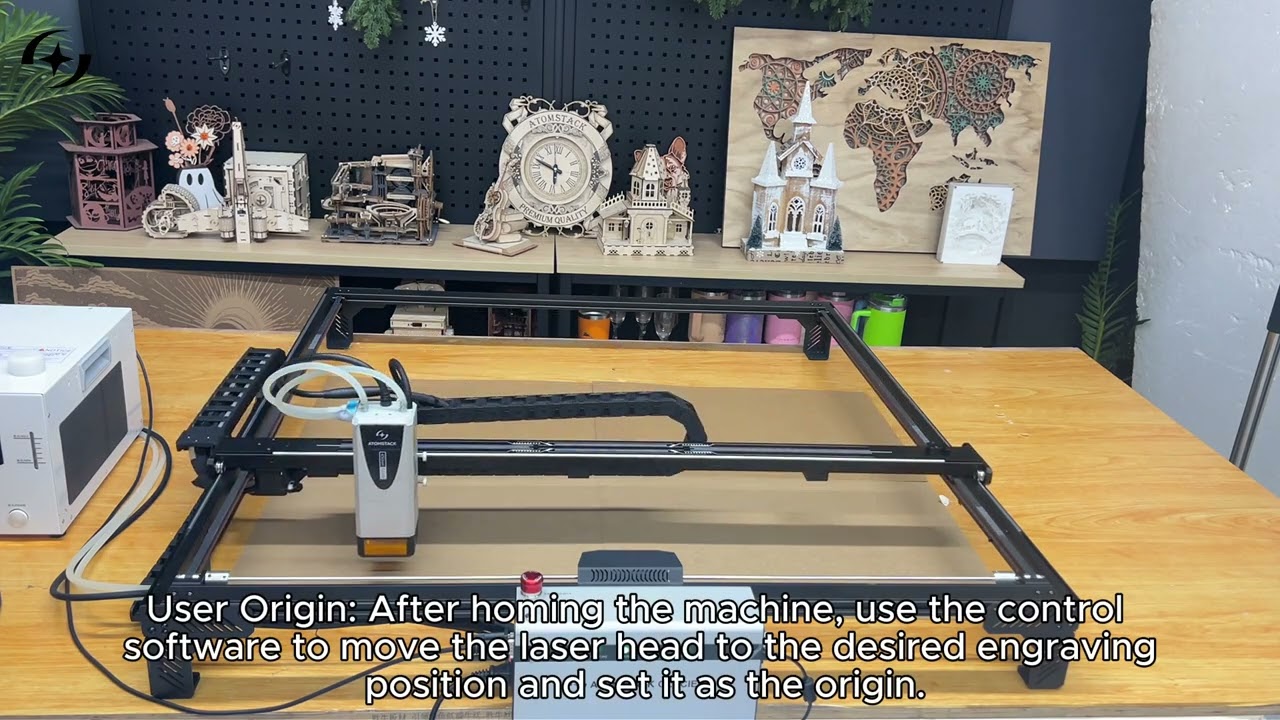
How to Set the Origin and Position the Job
↗
↗
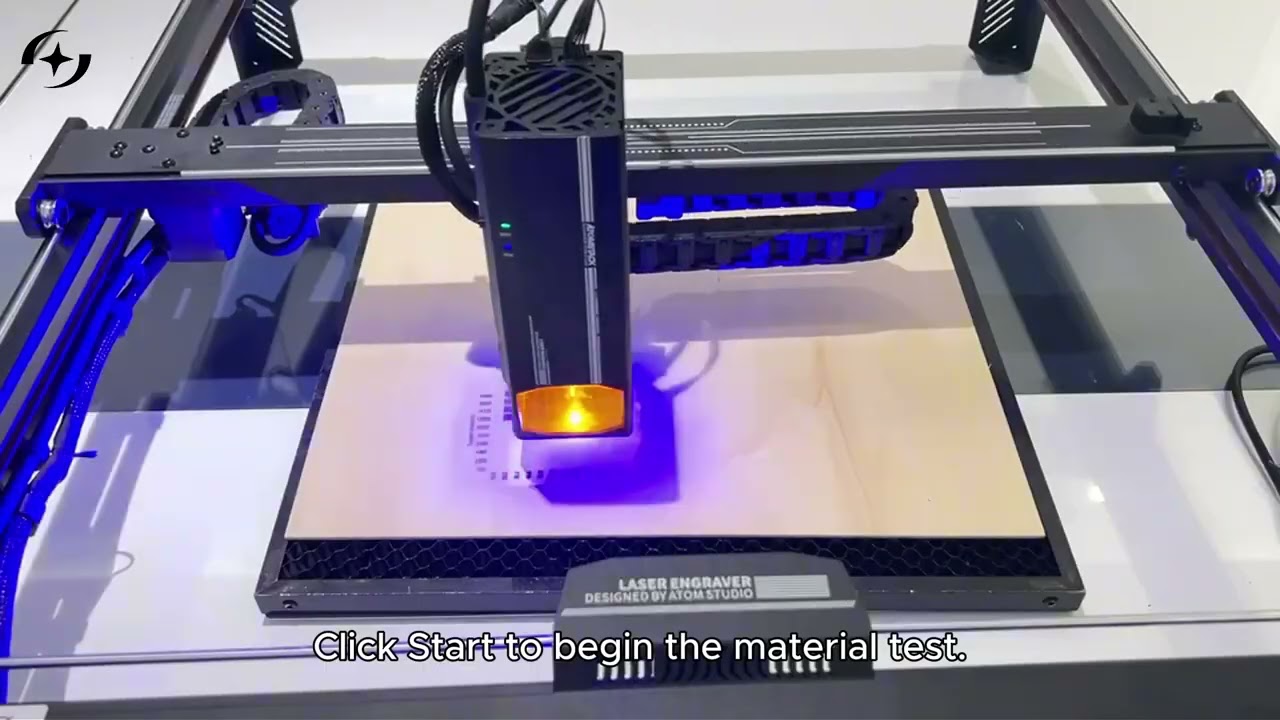
How to Run an Engraving Parameter Test
↗
↗
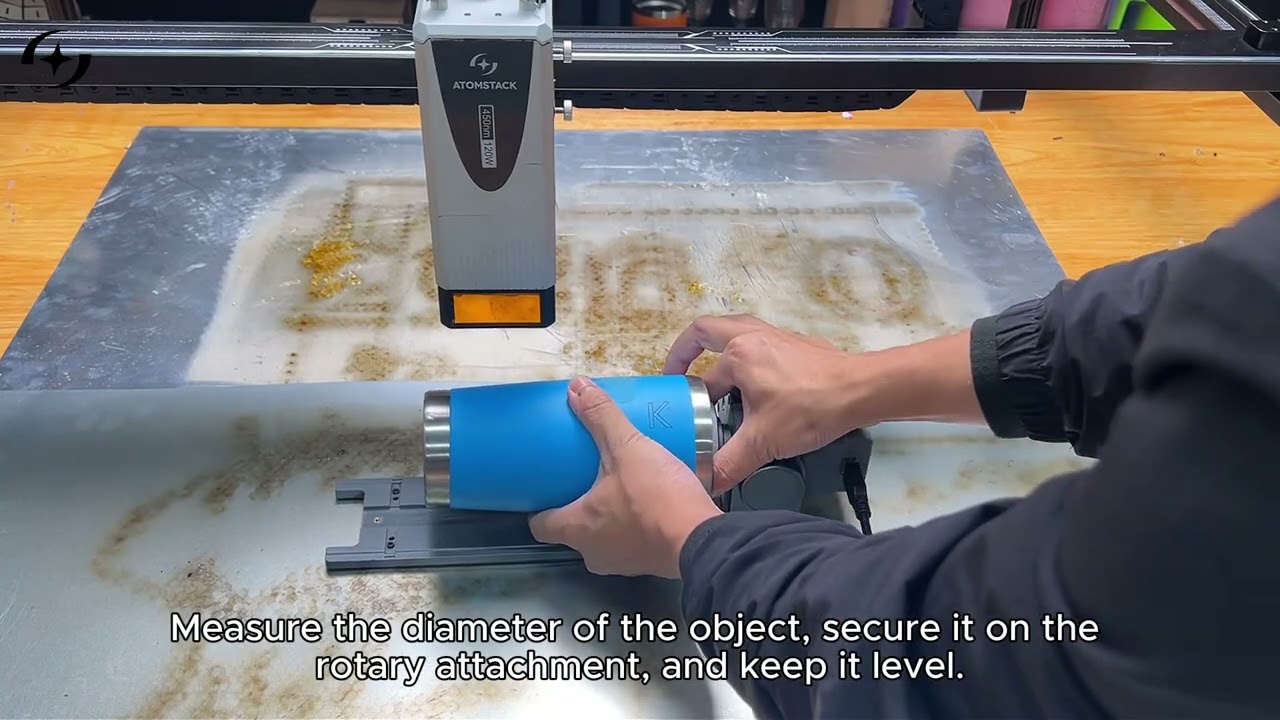
How to Use a Rotary Attachment with the Glacier
↗
↗
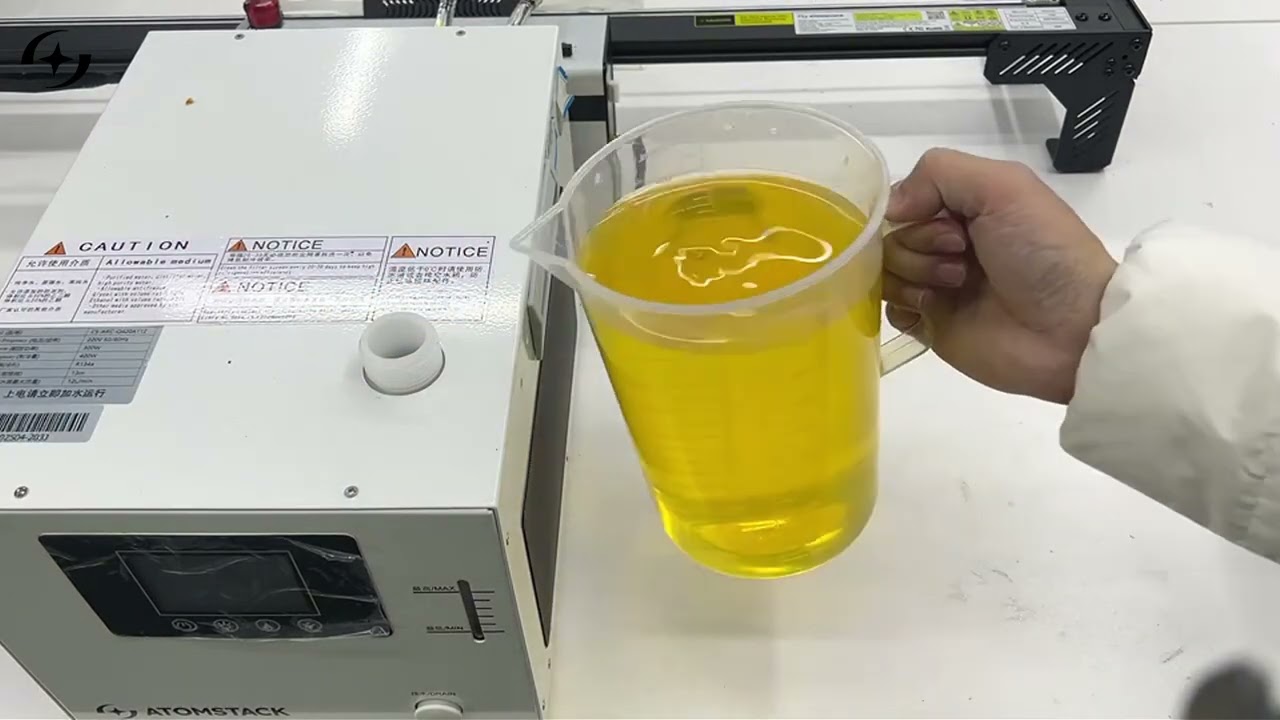
How to Add Antifreeze to the Chiller
↗

Maintenance & Cleaning
↗
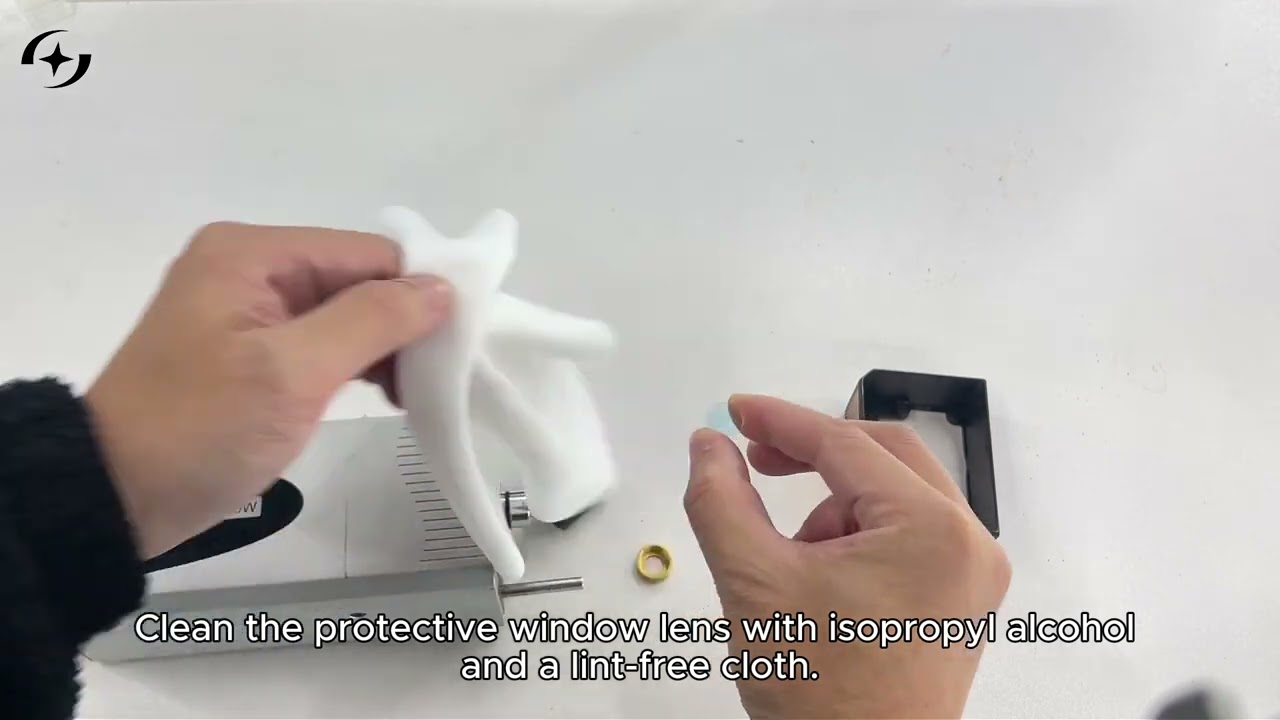
How to Clean the Protective Window Lens
↗
↗
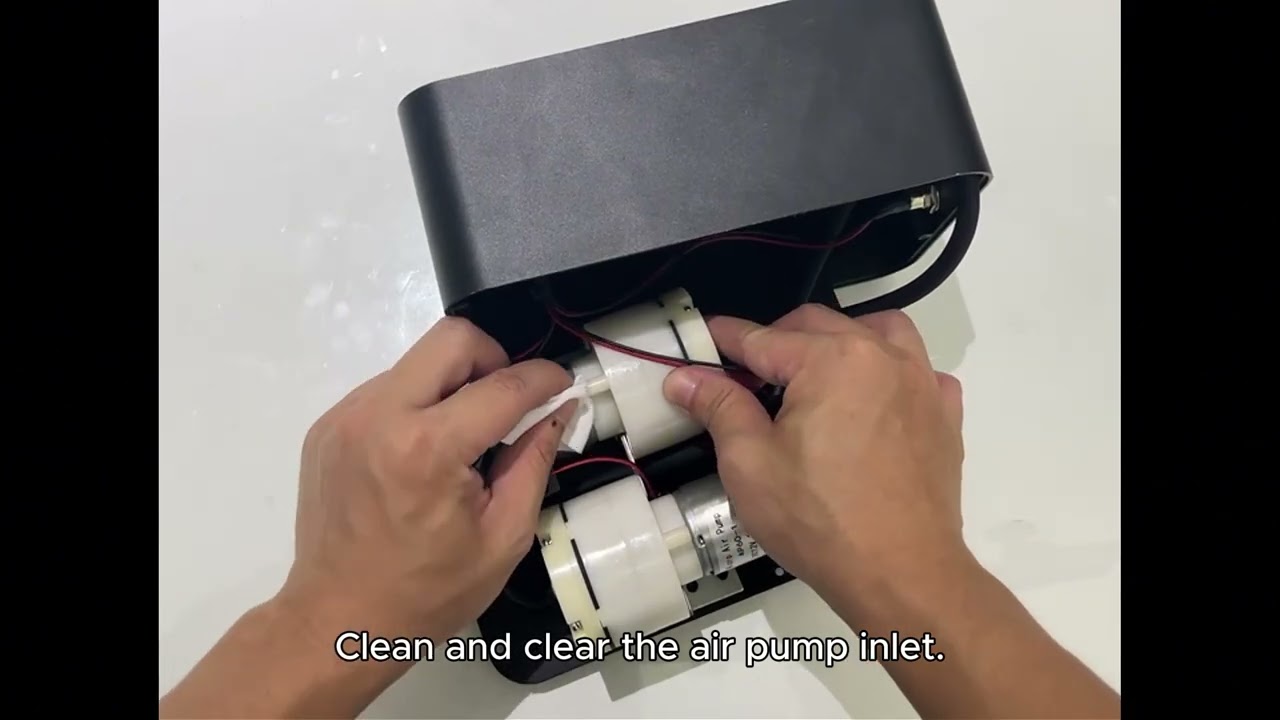
How to Clean the Air Assist
↗
↗
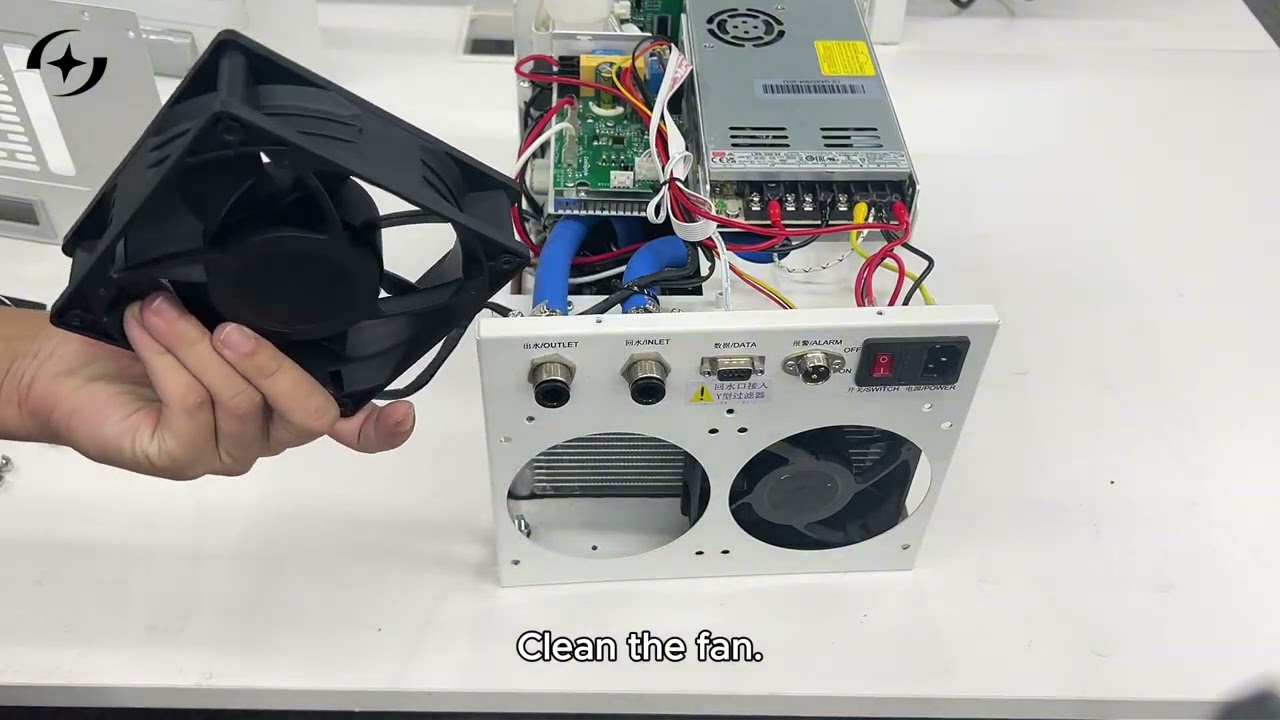
How to Clean the Glacier Chiller
↗

Structure & Adjustment
↗
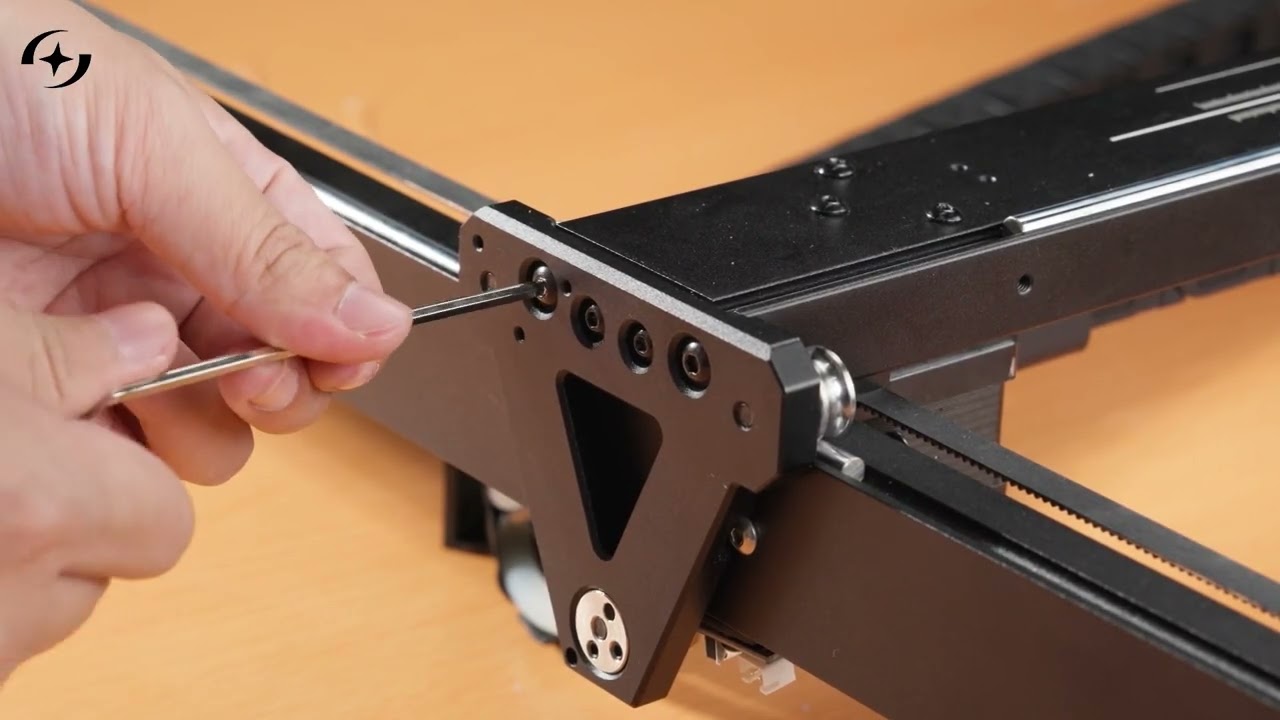
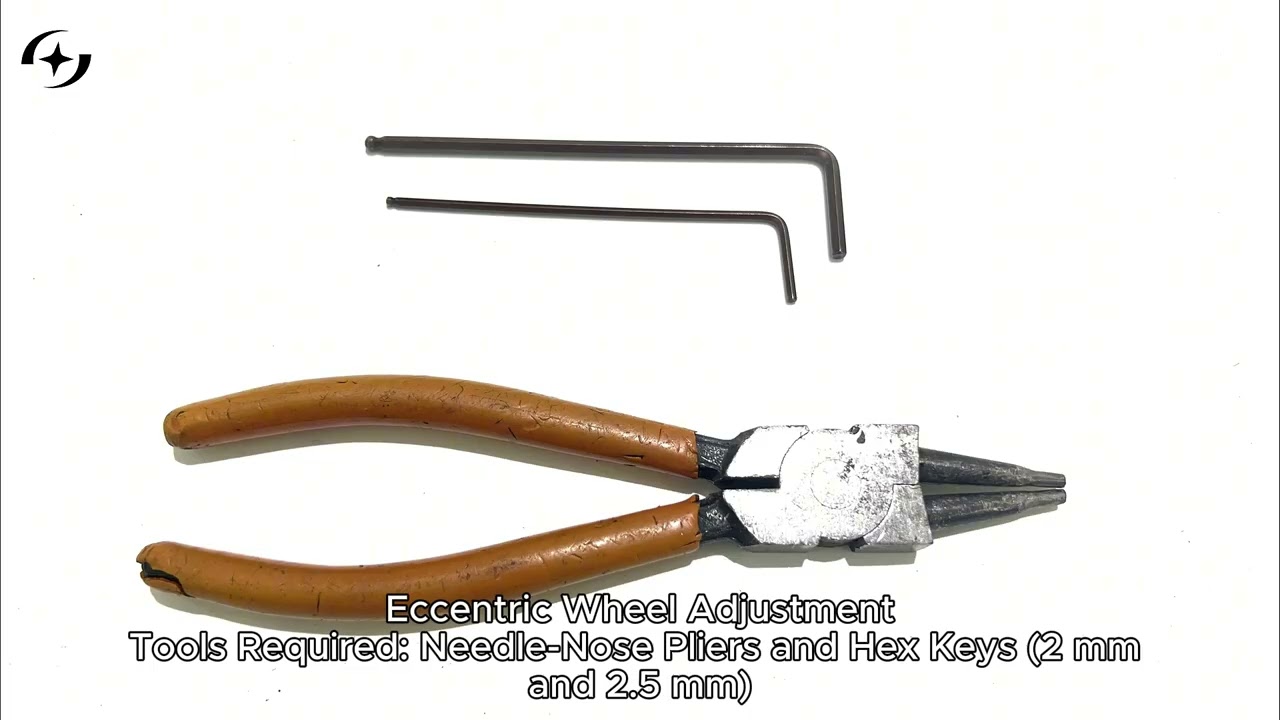
How to Adjust the Glacier Machine Structure
↗
↗
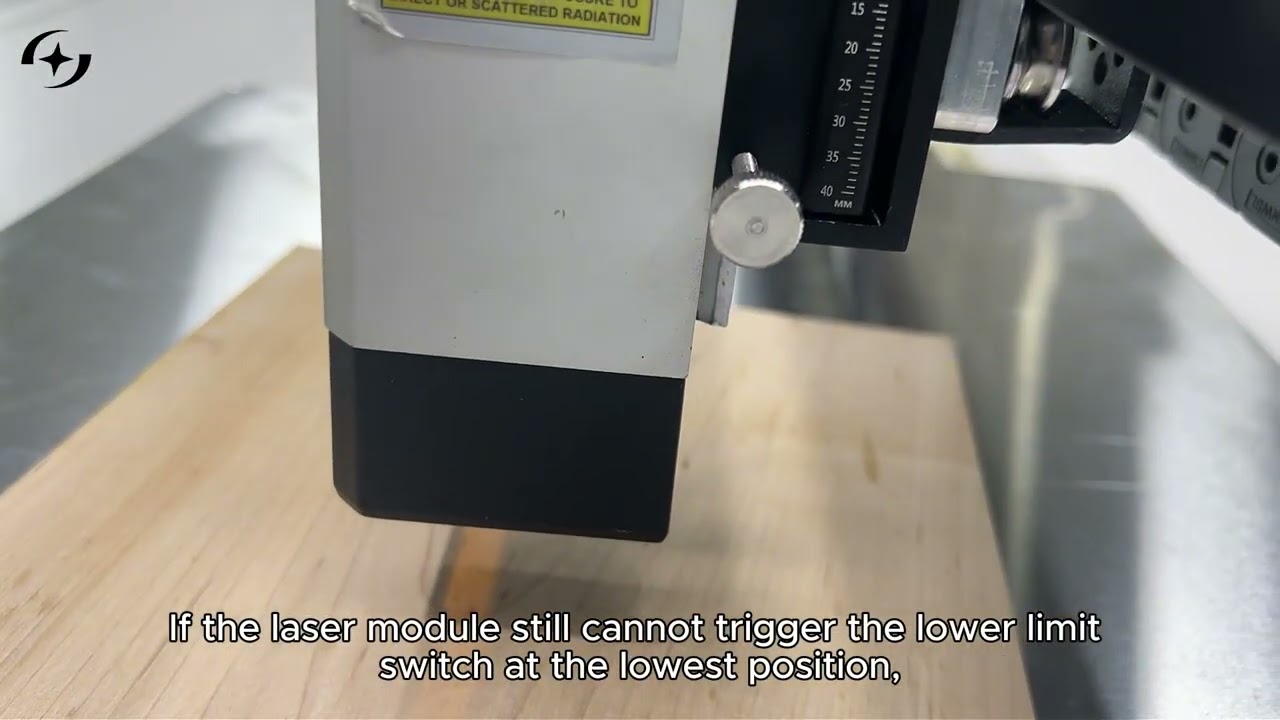
How to Adjust the Laser Module Mounting Height
↗
↗
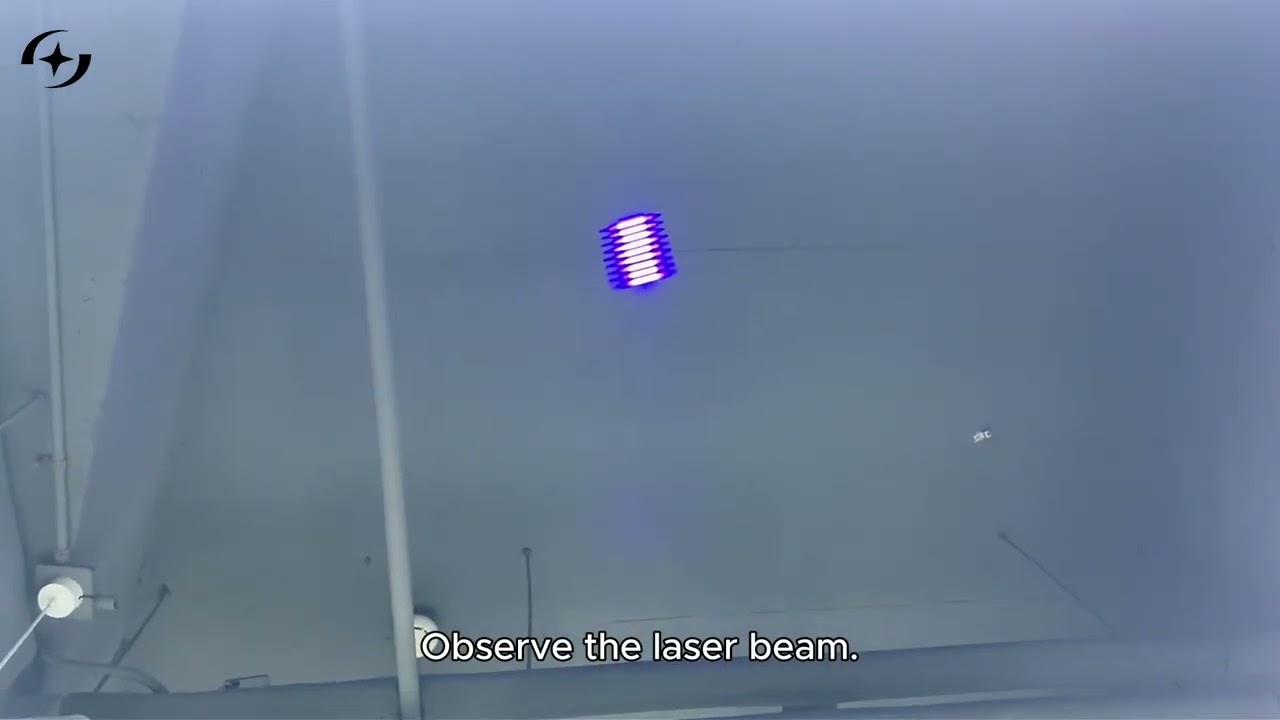
How to Inspect the Laser Spot
↗

Replacement & Repair
↗
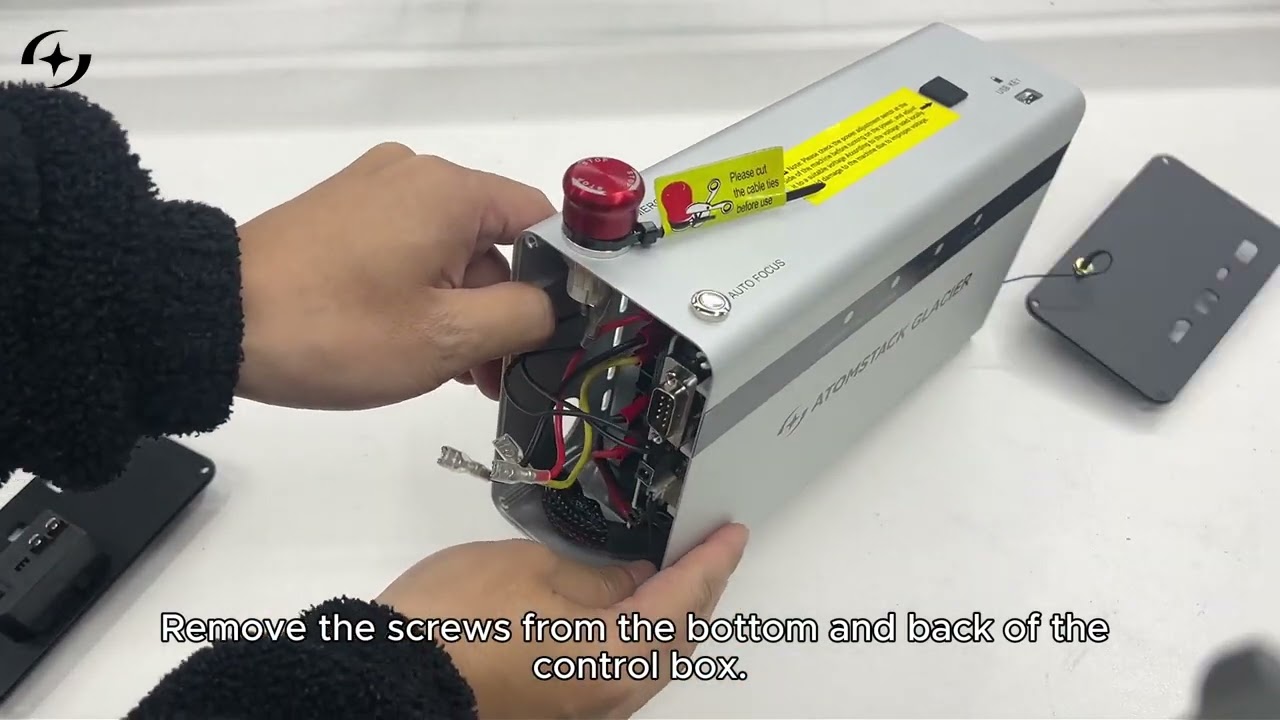
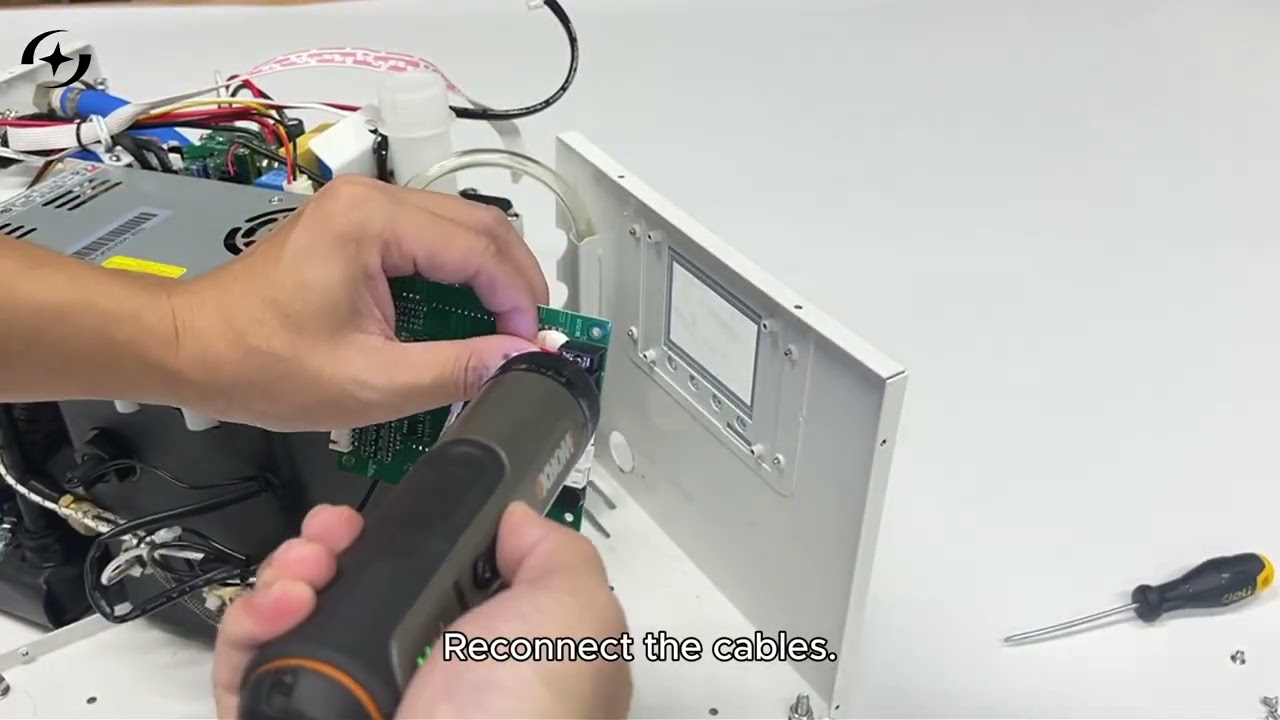
How to Replace the Mainboard
↗
↗
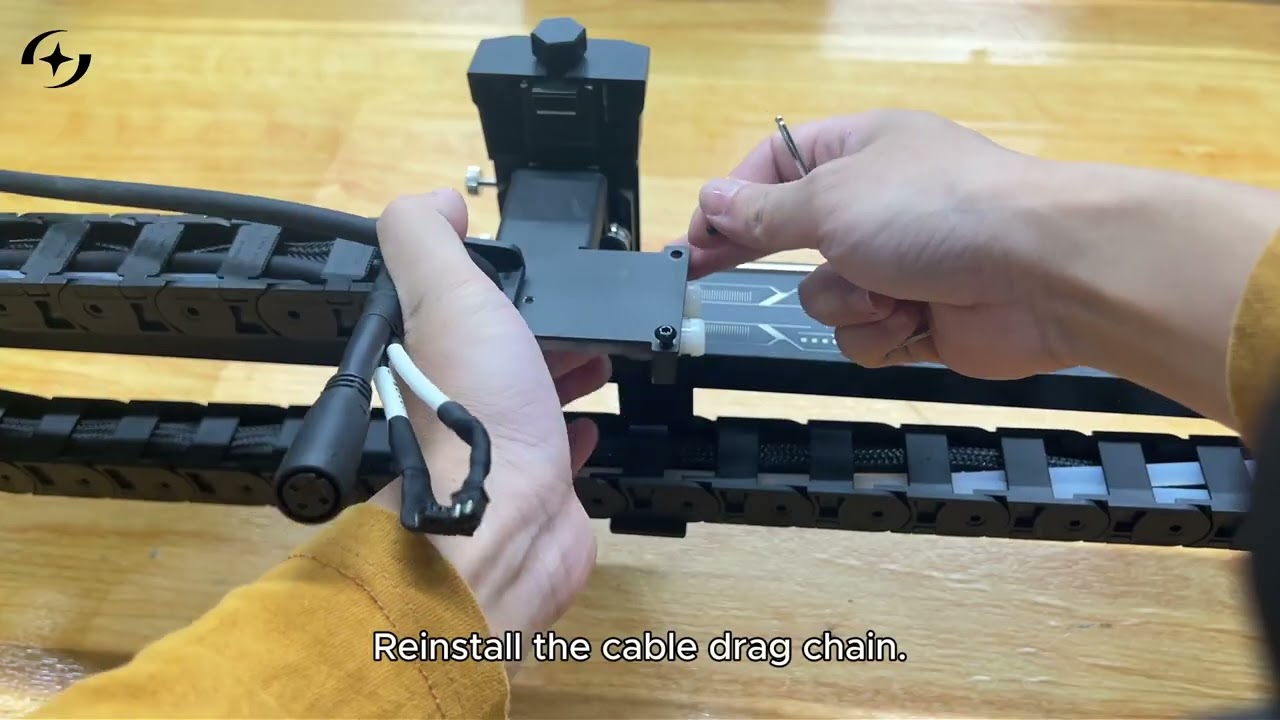
How to Replace the Mainboard Connection Cable
↗
↗
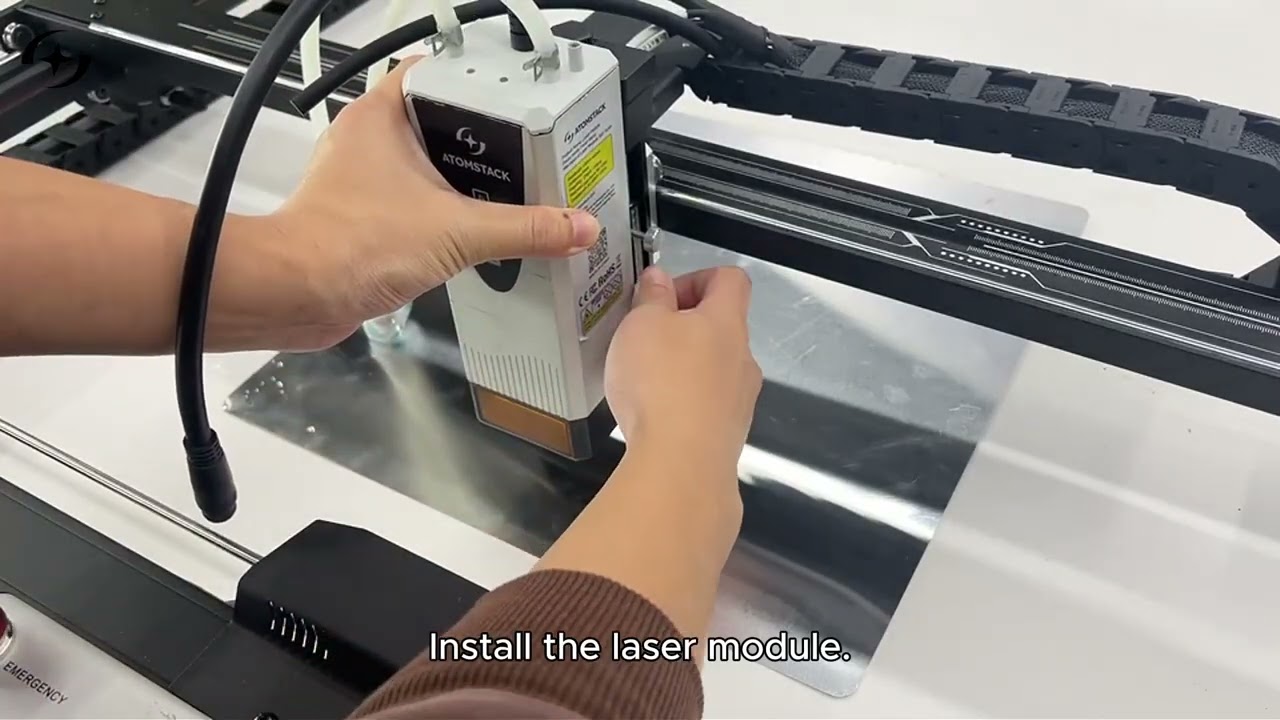
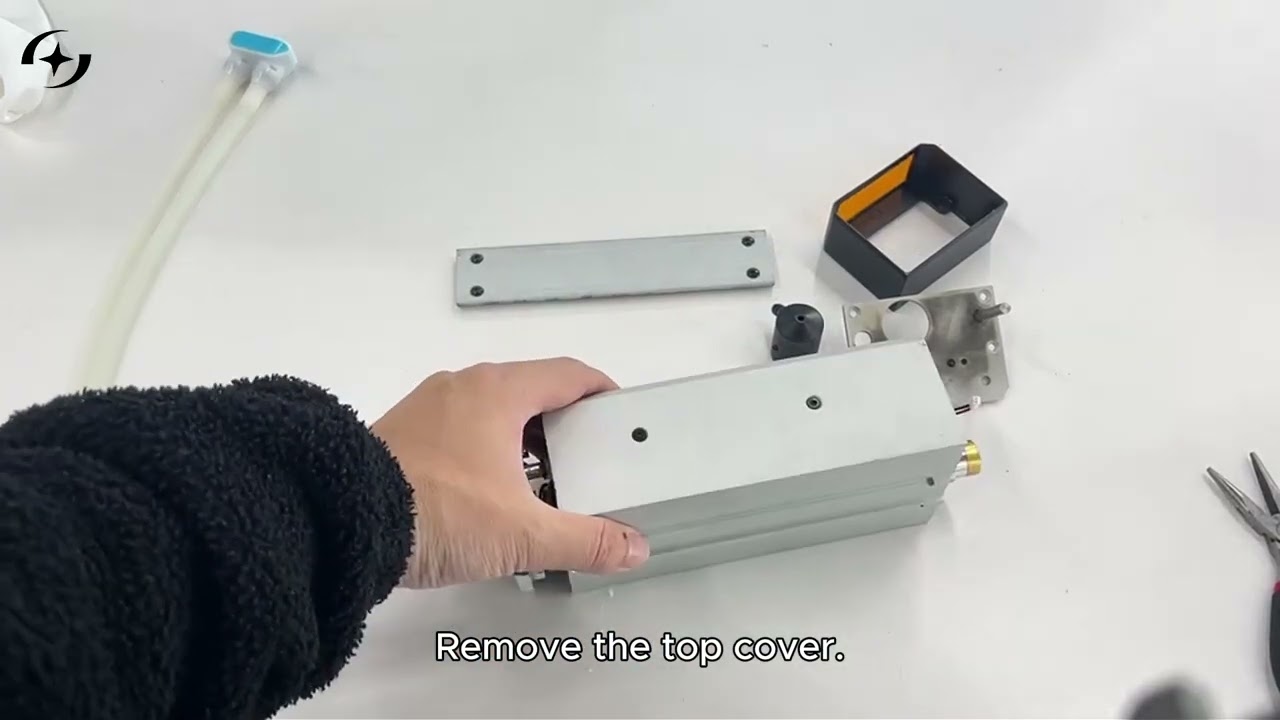
How to Replace the Laser Module
↗
↗
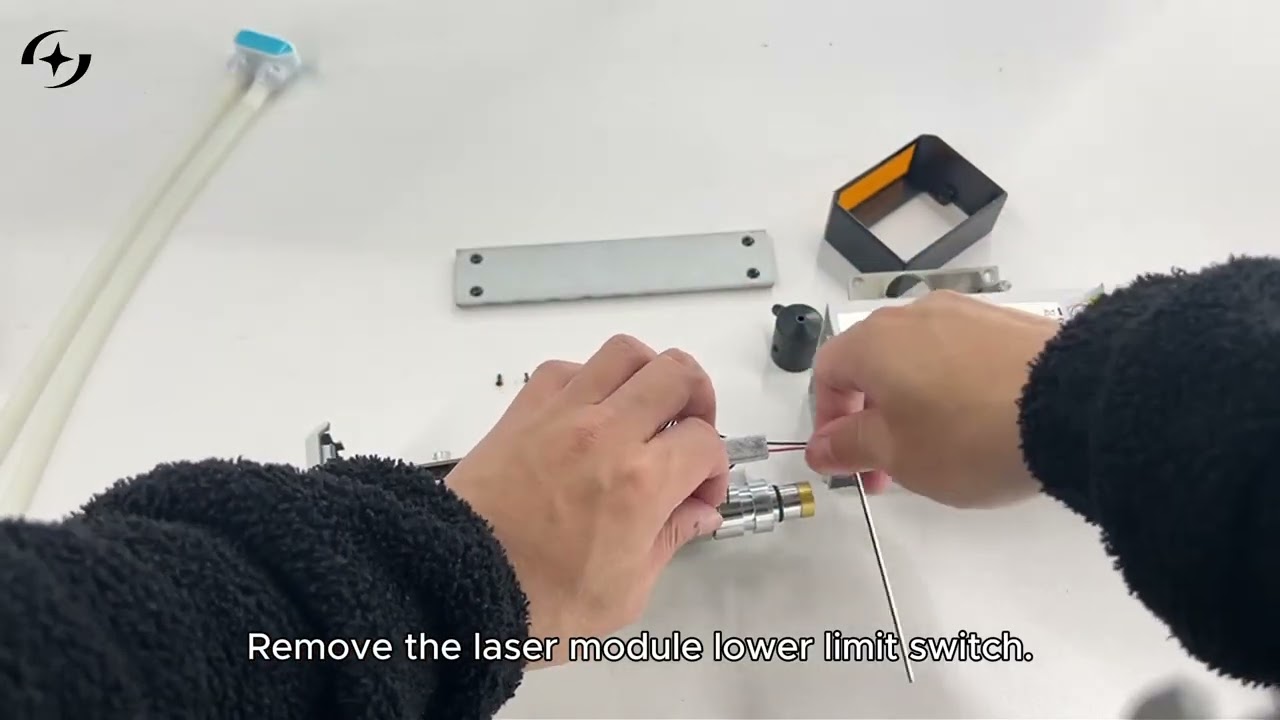
How to Replace the Laser Module Lower Limit Switch
↗
↗
How to Replace the Laser Module Lower Limit Switch (Alternative)
↗
↗
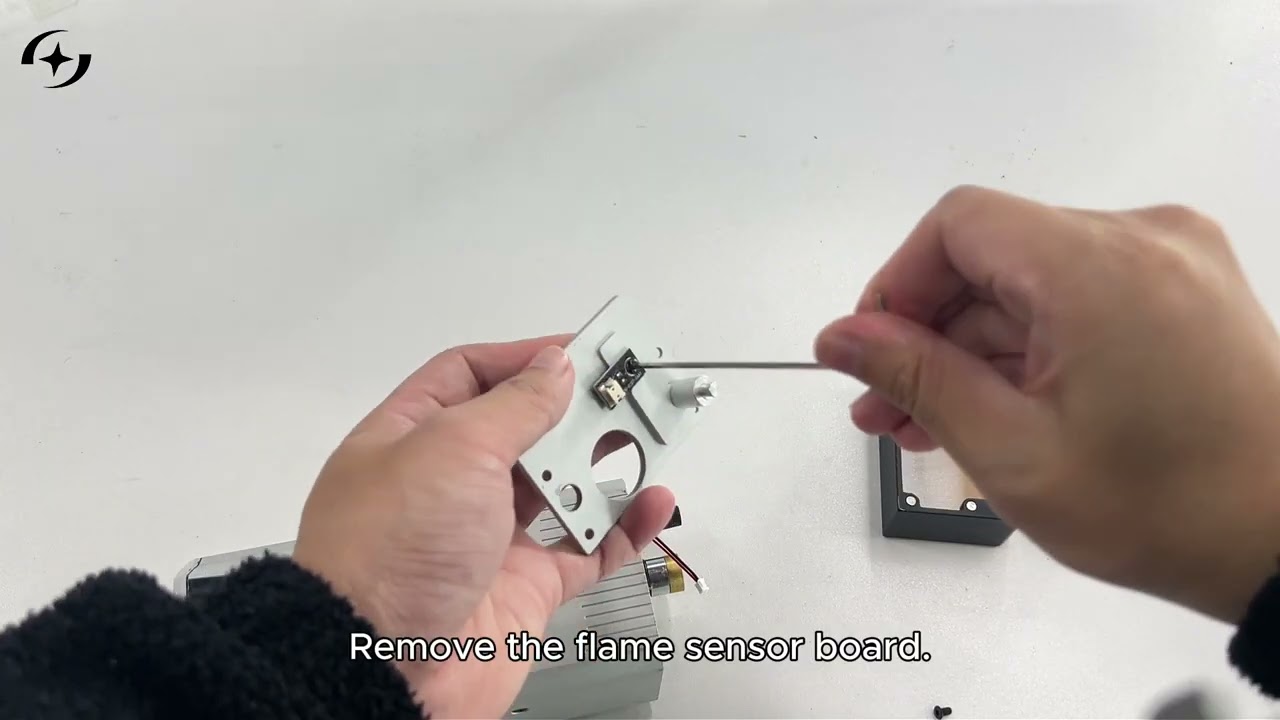
How to Replace the Flame Detection Board
↗
↗
How to Replace the Chiller Display Screen
↗
↗
How to Replace the Air Assist Knob Switch
↗
↗
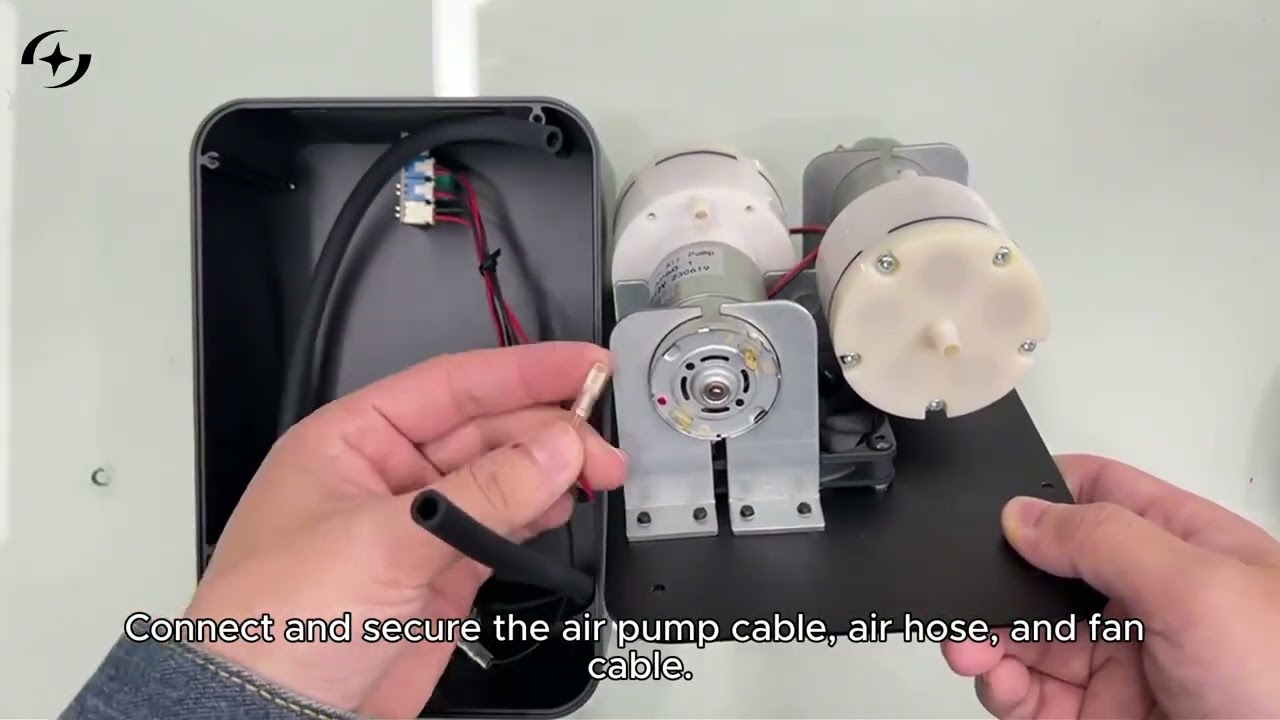
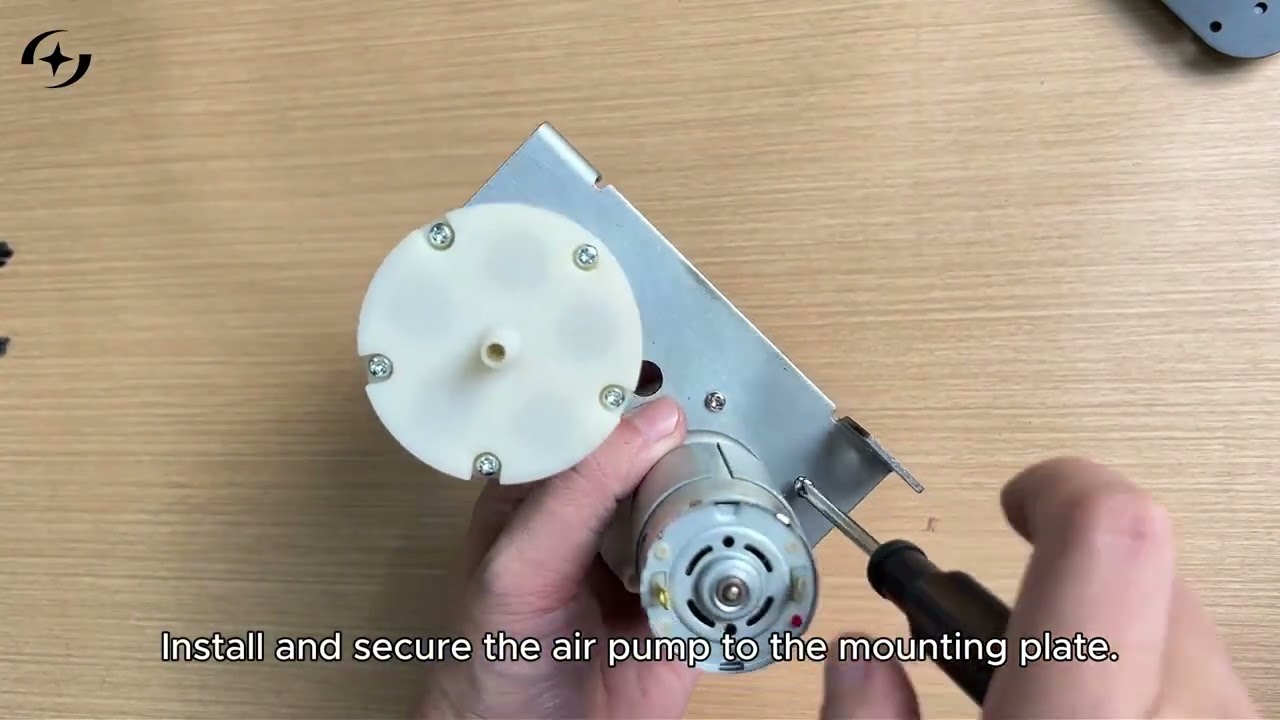
How to Replace the Air Assist Pump
↗

Software & Accessories
↗
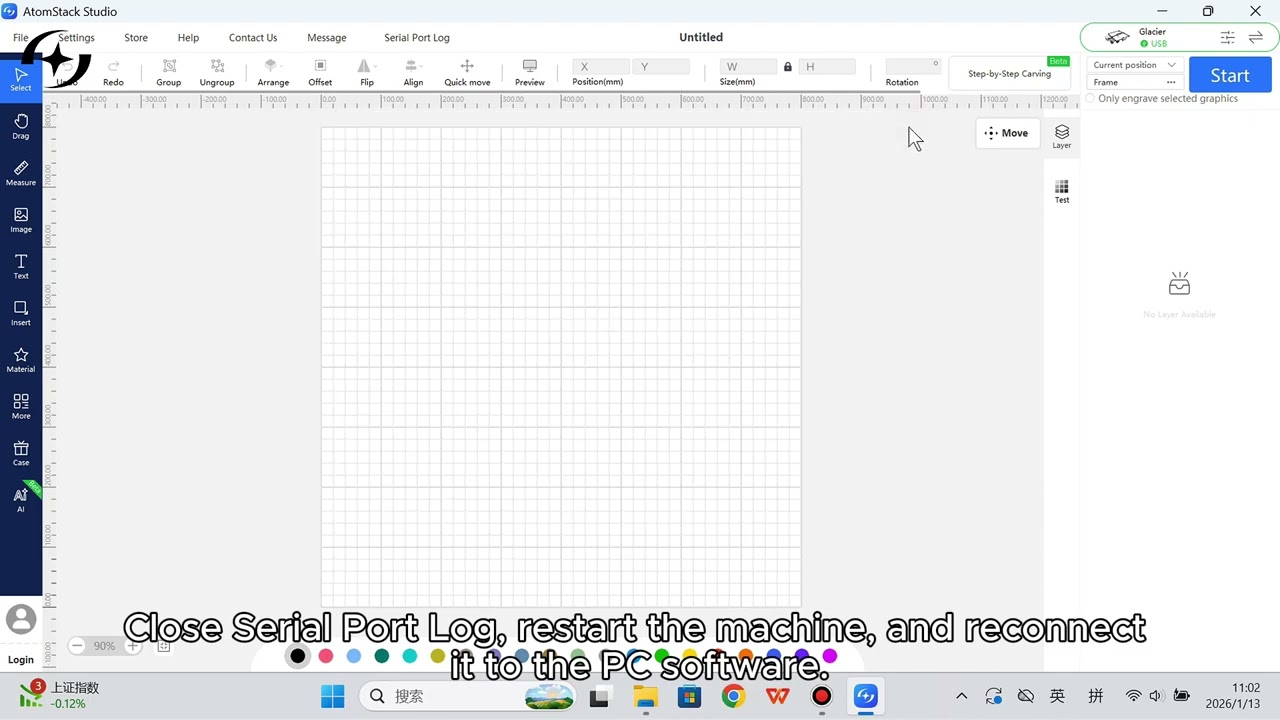
How to Restore Factory Settings in AtomStack Studio
↗
↗
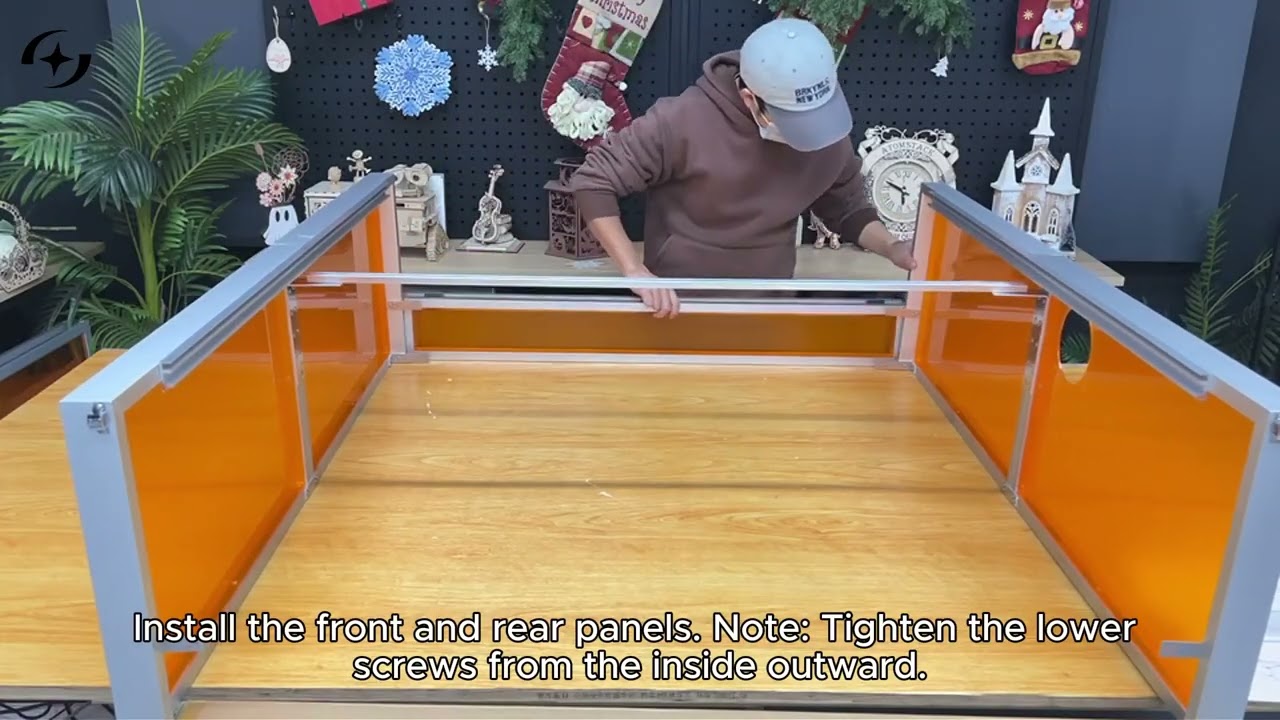
How to Install the B4 Protective Enclosure
↗